




🇨🇷 +506 8553-3615 contactar@incompany.cr
#1 Salesforce Partner in Costa Rica
Jira ⇄ Salesforce Integration

Bring your Jira team's work straight into Salesforce

Real-time, bidirectional sync between Jira and your Service Cloud or Sales Cloud org — no spreadsheets, no copy-paste, and never losing sight of a project's real progress.

Real-Time Visibility

The status of every story, sprint, and project, instantly

Every change in Jira — status, story points, sprint — shows up in Salesforce within seconds, via native webhooks. No overnight batch jobs, no fragile integrations.

Executive Reporting

Native Salesforce dashboards and reports, built on Jira data

Sprint velocity, hours consumed per project, delivery compliance — all with the reporting tools your team already knows and uses every day.

Consumption & Billing

Month-by-month hours and subscription tracking

Ideal for consultancies and dev teams: track contracted hours consumed per client straight from the real work logged in Jira, with an automatic rolling balance.

Security & Data Governance

A robust, secure integration that's 100% yours

Runs inside your own Salesforce org, with your own authentication and full control over what data gets synced and who can see it.

100%
Data in Salesforce
24/7
Active sync
0
Copy-paste
Jira-style task board with work item cards
Person updating a task board status from a mobile phone
Performance analytics charts on a laptop screen
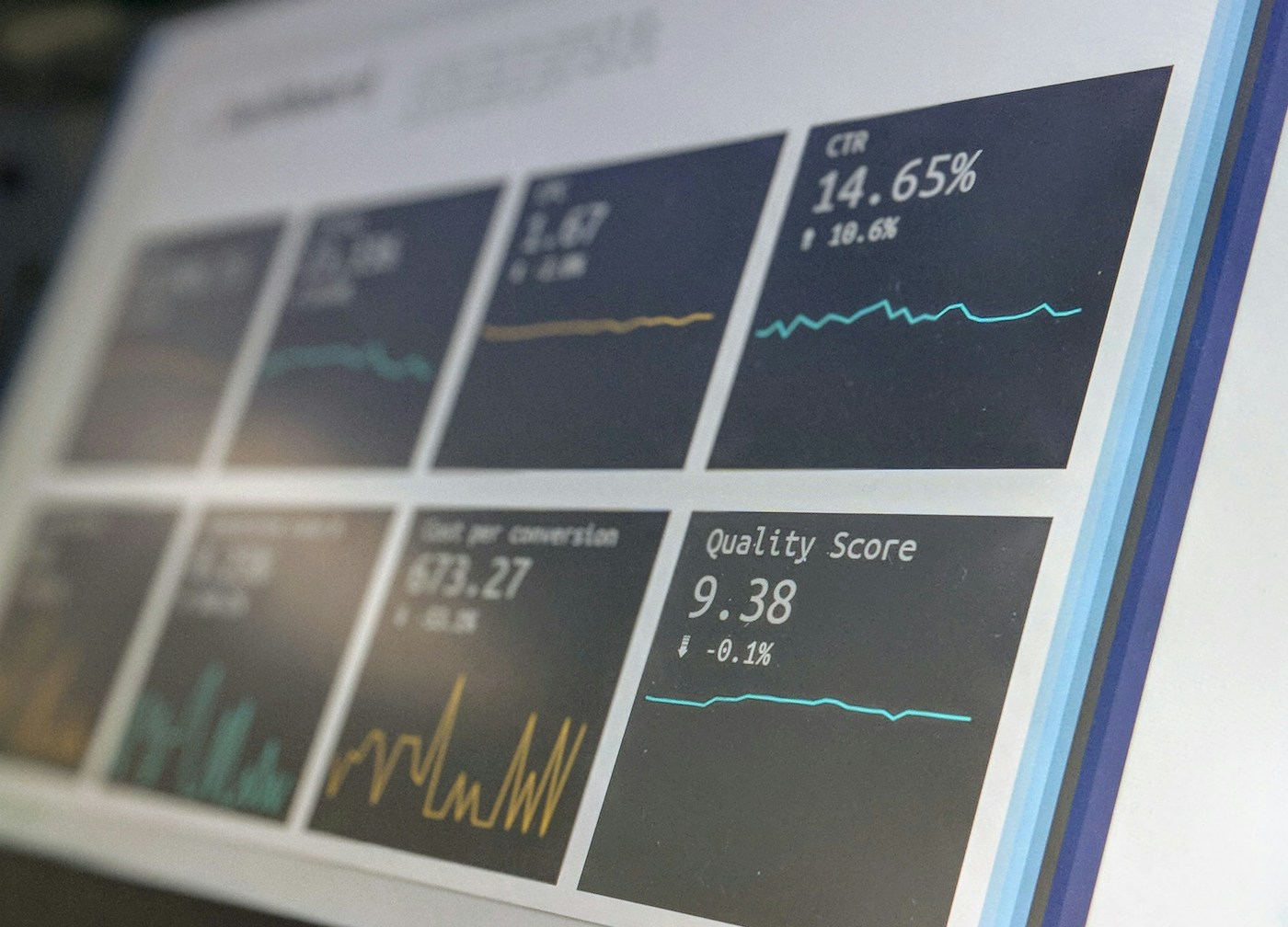
Dashboard interface with metrics and charts
Monitoring screen showing real-time data
Colorful sticky notes on a corkboard, representing an agile task board
Webhooksreal-time, no middlemen
The Integration

Two platforms, one single source of truth

Incompany built a native integration between Jira and Salesforce that connects your development or project team's daily work with your company's Service Cloud or Sales Cloud org. Every story, sprint, project, and logged hour in Jira becomes a live record inside Salesforce — ready to report on, automate, and drive decisions.

🔄
Bidirectional sync

Changes in Jira show up in Salesforce within seconds — no overnight batch jobs, no fragile integrations.

🧩
A data model built for you

Projects, hour pools, subscriptions, and sprints, automatically related the way your team actually works.

📊
100% native reporting

All the data lives as real Salesforce records — ready for Reports & Dashboards, with no external BI tools.

🔐
Runs in your own org

No dependency on a third party hosting your data — your own authentication and full control over what gets synced.

Benefits

Why connect Jira and Salesforce

Companies that already integrate both platforms report consistent gains in collaboration, visibility, and response speed.

🔄

Less context-switching

Business and support teams no longer jump between platforms to know where a project stands — everything lives in Salesforce.

PRODUCTIVITYVISIBILITY
⏱️

Faster case resolution

Service Cloud cases linked to development tickets let agents follow up without relying on emails or internal messaging.

SERVICE CLOUDSLA
📈

Real executive reporting

Salesforce dashboards built on Jira data: velocity, burndown, hours per client, sprint compliance.

ANALYTICSDASHBOARDS
🧾

Hours & consumption tracking

Monthly tracking of contracted vs. consumed hours per client or project, with an automatically calculated rolling balance.

BILLINGCONSUMPTION
🤝

Team alignment

Development, support, and sales share a single version of the truth about the real status of every project or initiative.

COLLABORATION
🔐

Data governance & security

The sync runs inside your own Salesforce org, using the authentication and permissions you already manage today.

SECURITYGOVERNANCE
How It Works

From a change in Jira to a report in Salesforce

A simple flow, built on native webhooks — no third-party middleware, no manual syncing.

01

An event happens in Jira

A story gets completed, a sprint changes, a status updates, or hours are logged.

02

Jira fires a webhook

The data travels in real time to a secure endpoint inside Salesforce.

03

Salesforce saves and relates it

The data is stored as a native record, linked to the corresponding Project, Hour Pool, or Subscription.

04

Your team sees it instantly

In reports, dashboards, and on the related project, case, or opportunity record itself.
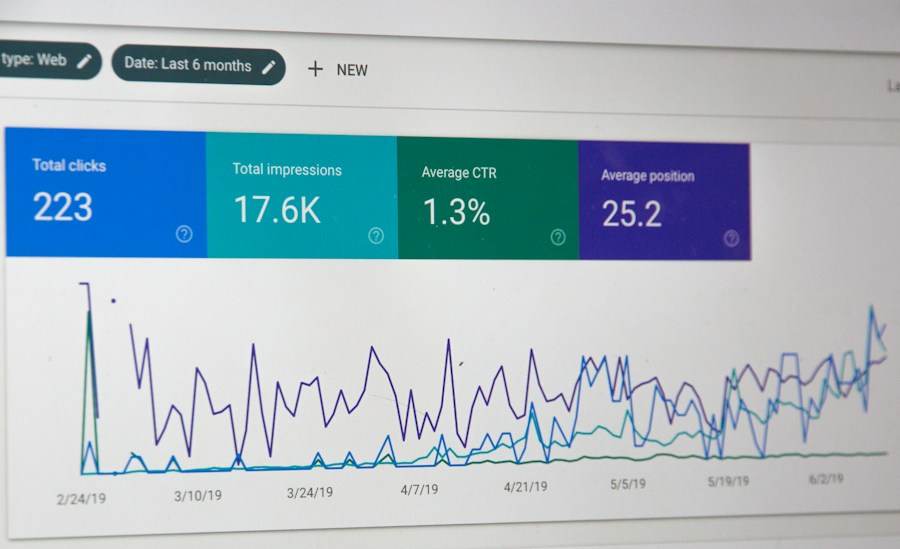
Screen showing a data and metrics dashboard
360° Project view
Reporting & Analytics

Reporting your team already knows how to use

No need to learn a new Business Intelligence tool. Since Jira data lives as native Salesforce records, you report on it with the same Reports & Dashboards your team already uses every day for sales and service.

📊
Native Reports & Dashboards

No extra licenses, no external BI tools — all inside your Salesforce org.

🏃
Sprint velocity & progress

Completed vs. planned story points, by sprint and by team, updated in real time.

💰
Hour consumption per subscription

Rolling balance, overage, and next-cycle projection — ideal for hour-based billing models.

🔔
Automatic alerts

Notifications when a project falls behind or a client nears its contracted hour limit.

Real Results

What companies gain once they integrate

Based on documented experiences from organizations that connected Jira and Salesforce for their development, support, and service teams.

23%
Better outcomes
Organizations that actively monitor their integration achieve better business outcomes than those that don't.
Real time
Synchronization
Changes reflected within seconds, instead of overnight batch jobs or manual updates.
Zero
Manual copying
No more duplicating information across platforms or keeping parallel spreadsheets.
1
Single source of truth
Support, development, and sales share the same information, always up to date.
Let's Get Started

Already using Jira? Let's connect it to Salesforce.

Book a short conversation with our team and we'll show you what this integration would look like with the way your team actually works — no strings attached.